ipydatagrid is now part of Project Jupyter
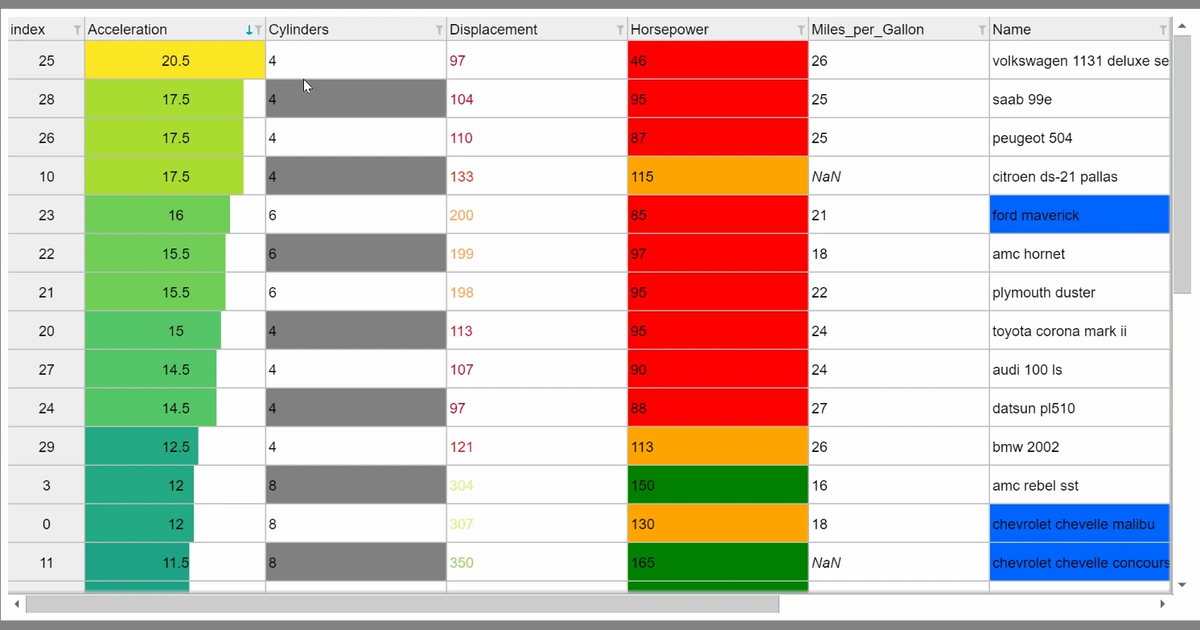
Today, we are proud to announce that the ipydatagrid open source project has been incorporated into Project Jupyter as part of the Jupyter Widgets subproject.


Today, we are proud to announce that the ipydatagrid open source project has been incorporated into Project Jupyter as part of the Jupyter Widgets subproject.
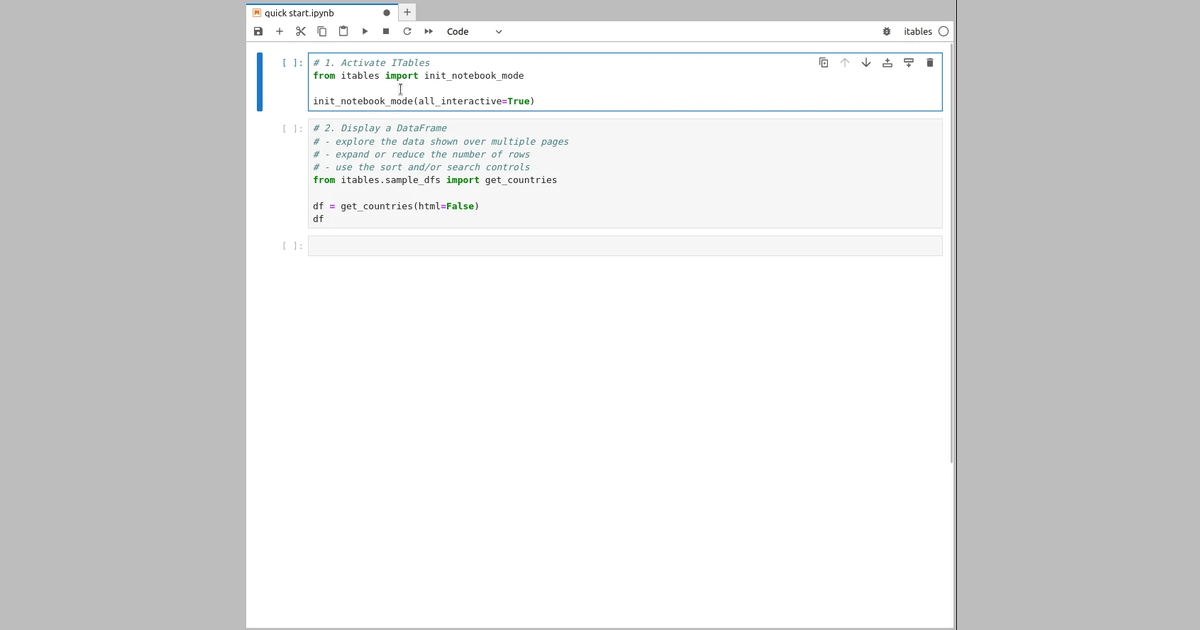
ITables, or Interactive Tables, is a MIT-licensed Python package that renders Python DataFrames using the DataTables JavaScript library. ITables 2.0, that I have just released, adds support for the DataTables Extensions. In this post we review the functionalities brought by this release.
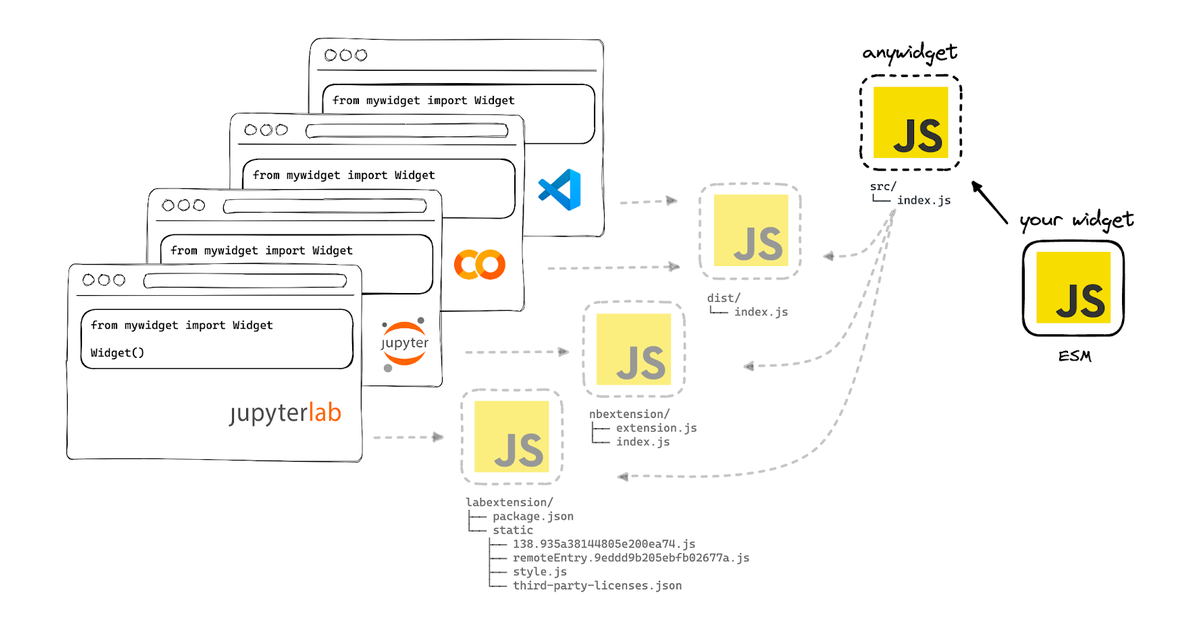
anywidget is a Python library that makes it simple and enjoyable to create custom Jupyter Widgets that run in classic Jupyter notebooks, JupyterLite, JupyterLab, Google Colab, VS Code, and more.
After a long break from in-person events, we are excited to announce an in-person Jupyter Community Workshop!
Ipycanvas + Box2D
When using a Jupyter Notebook to work on data science projects, I’ve found small user interface abstractions to be very useful. Scrubbing a slider or uploading a file can be more intuitive than editing a script and running it manually.
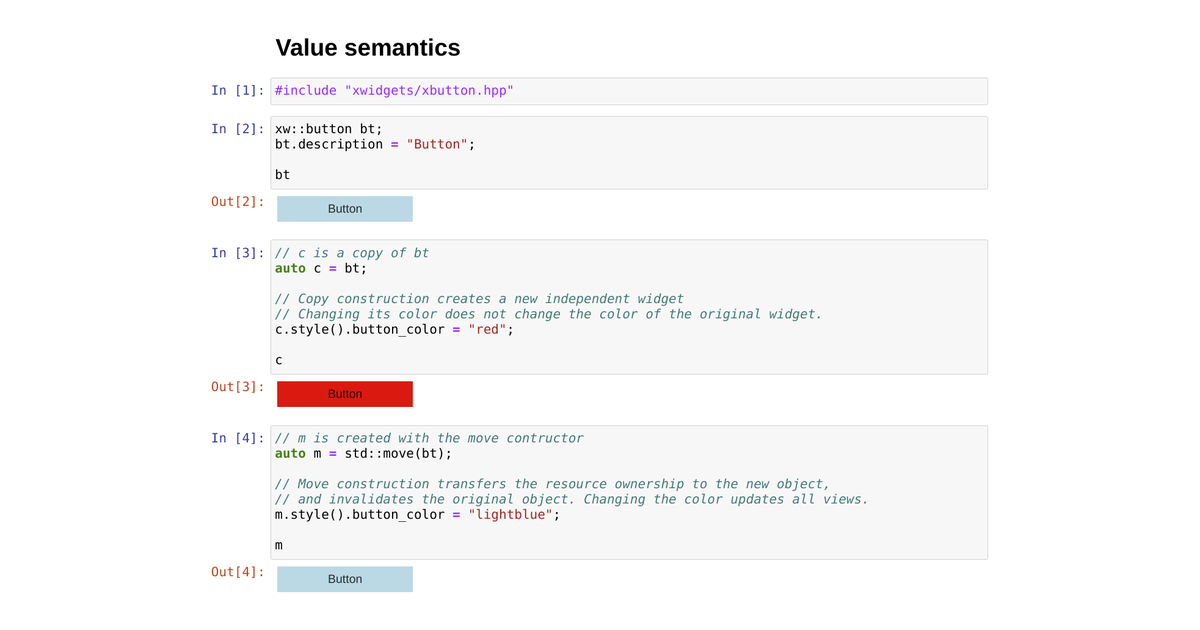
Diving into the implementation of xwidgets
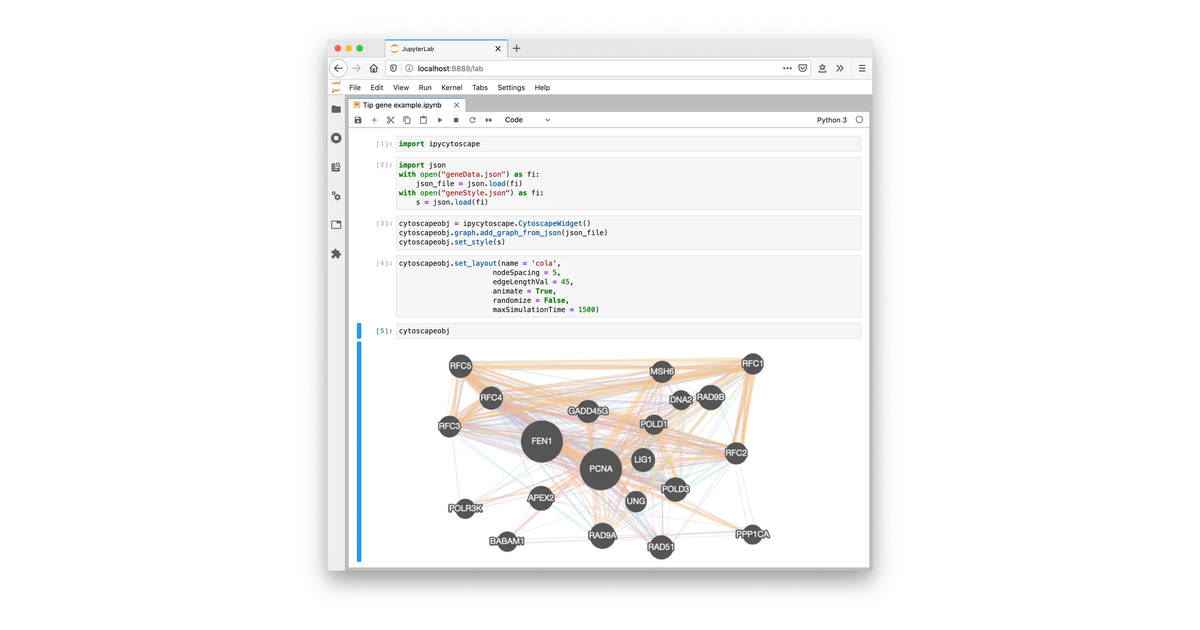
The Jupyter widgets ecosystem offers a broad variety of data visualization tools for exploratory analysis in the notebook. However, we lack a good story for exploratory graph visualization.
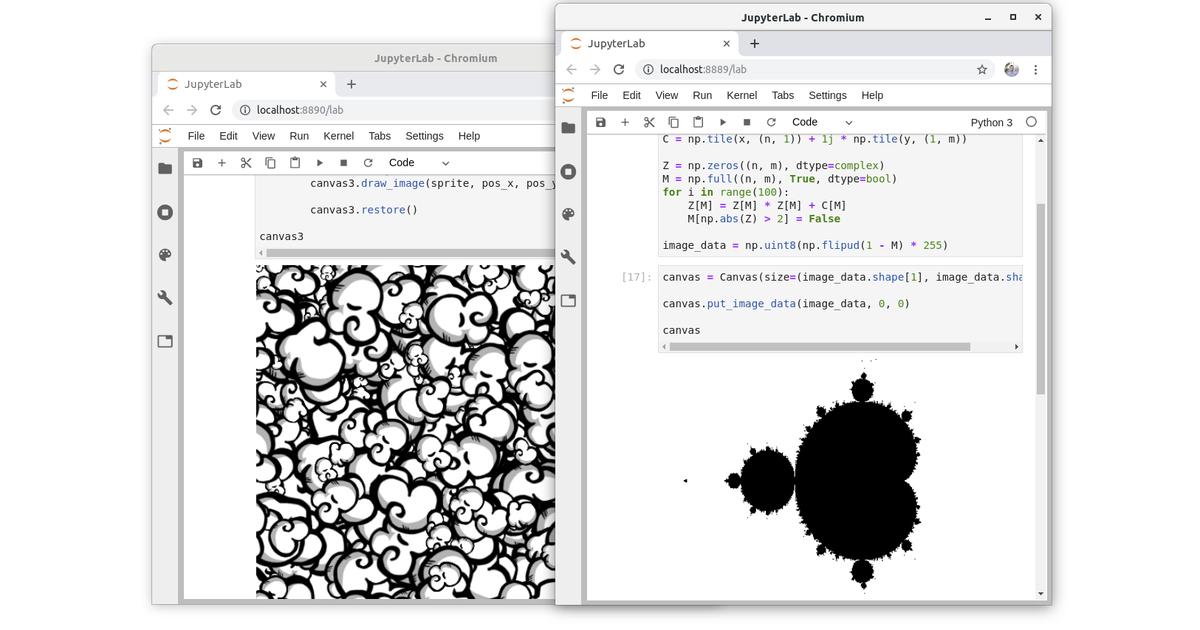
As you may already know, the Jupyter Notebook and JupyterLab are Browser-based applications. Browsers are incredibly powerful, they allow you to swap rich and interactive graphical interfaces containing buttons, sliders, maps, 2D and 3D plots and even video games in your webpages!
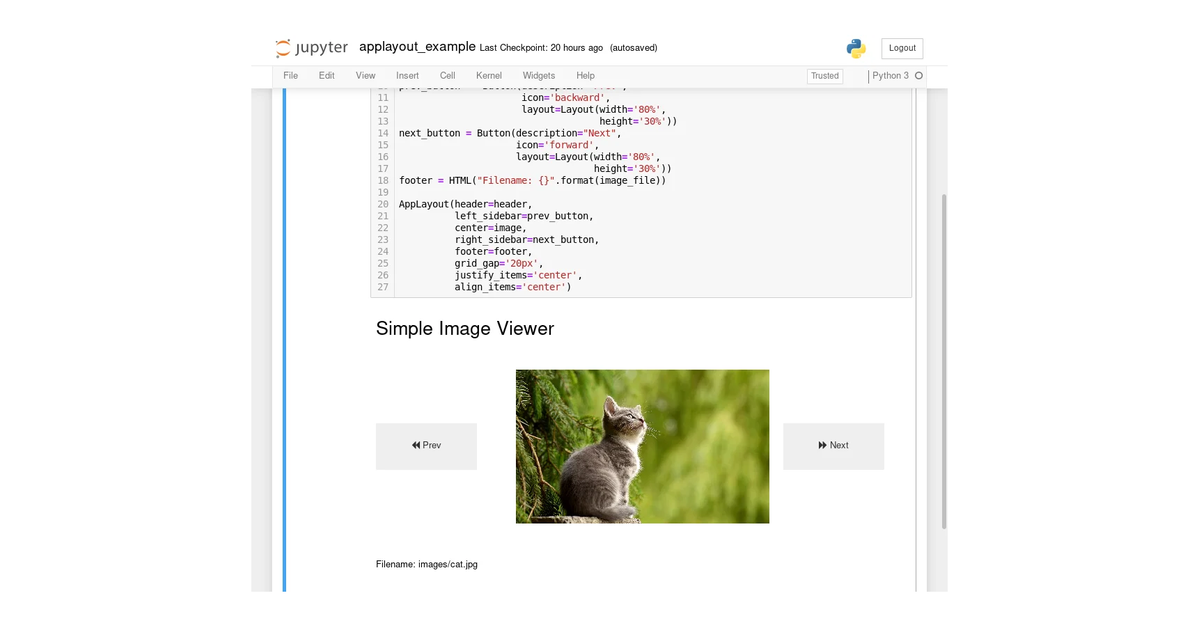
Creating complex layouts of widgets (button, sliders, maps, graphs etc.) can be cumbersome. New layout templates make this task a breeze.
A Hands-On Guide
We are pleased to announce the release of ipywidgets 6.0, the Jupyter interactive widget library. Jupyter interactive widgets enable building simple GUIs in the Jupyter notebook.
A version of ipywidget has been released, which fixes important security issues.
On April 19, 2016, we released ipywidgets 5.0. The ipywidgets package provides interactive HTML & JavaScript widgets (such as sliders, checkboxes, text boxes, charts, and more) for the Jupyter architecture that combine front-end controls coupled to a Jupyter kernel.