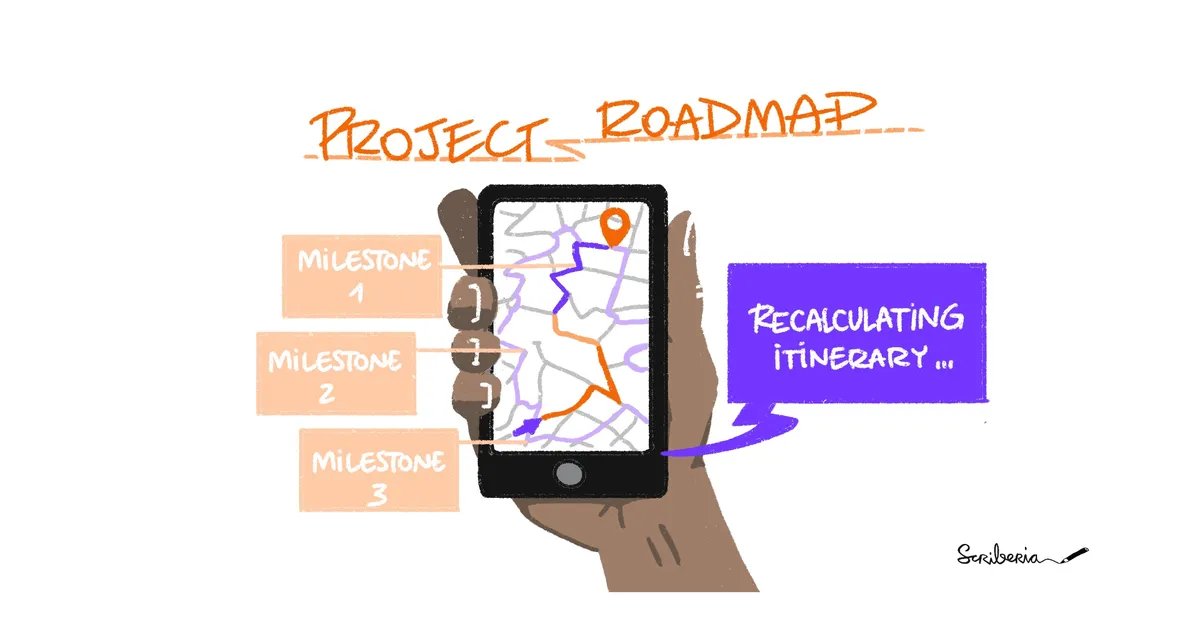
It's the journey that counts: roadmapping efforts in JupyterHub
Taking stock of JupyterHub’s roadmapping efforts so far.


JupyterHub, which serves Jupyter to groups of users.
Taking stock of JupyterHub’s roadmapping efforts so far.
JupyterHub user survey 2026
JupyterHub is a collection of tools that provides standardized, user-friendly computing environments for education and research. Today, we’re pleased to announce the release of JupyterHub 6.0. This is a substantial release with several new features.
Academic institutions can now offer Positron directly within their existing JupyterHub environments, giving students access to a modern, full-featured data science IDE without requiring local installation or additional infrastructure.
There are moments in life when things, simply, converge. You work and study, study and work, and then, simply, it happens. It starts one day when somebody tells you “there is this new thing called Jupyter Notebook, you should give it a try!”. So you install it, play around with it.
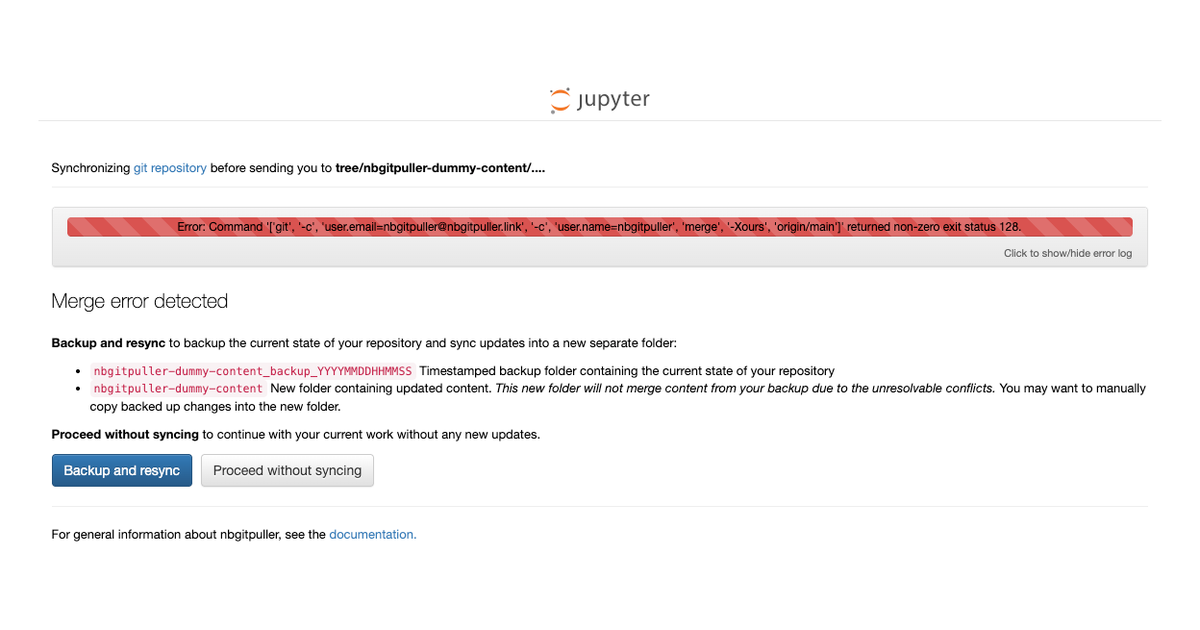
nbgitpuller now has improved UX context-aware error handling. Update to version 1.3.0 and let us know what you think by opening an issue 🚀
The JupyterHub and Jupyter Book communities are hiring a community manager.
When I helped start 2i2c.org, one of my goals for the non-profit was to experiment with new and different ways of supporting the Jupyter ecosystem’s long term health.
The Binder Project allows users to build reproducible, sharable environments for interactive computing. To accomplish this, Binder uses a tool called repo2docker to generate an executable Docker image using the Reproducible Execution Environment Specification.
The JupyterHub team have just moved all their chat to a Zulip channel!
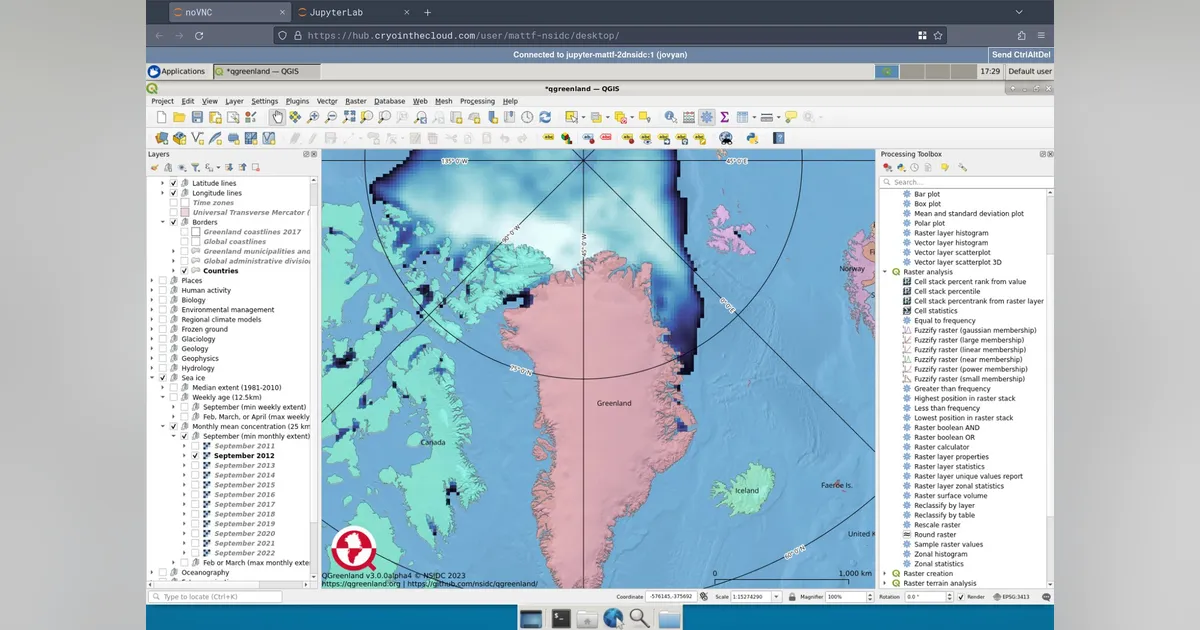
A QGreenland workshop success story
Four years ago, Project Jupyter participated for the first time in the Outreachy program. And at the end of last year, during the December round, three more awesome interns joined the project.
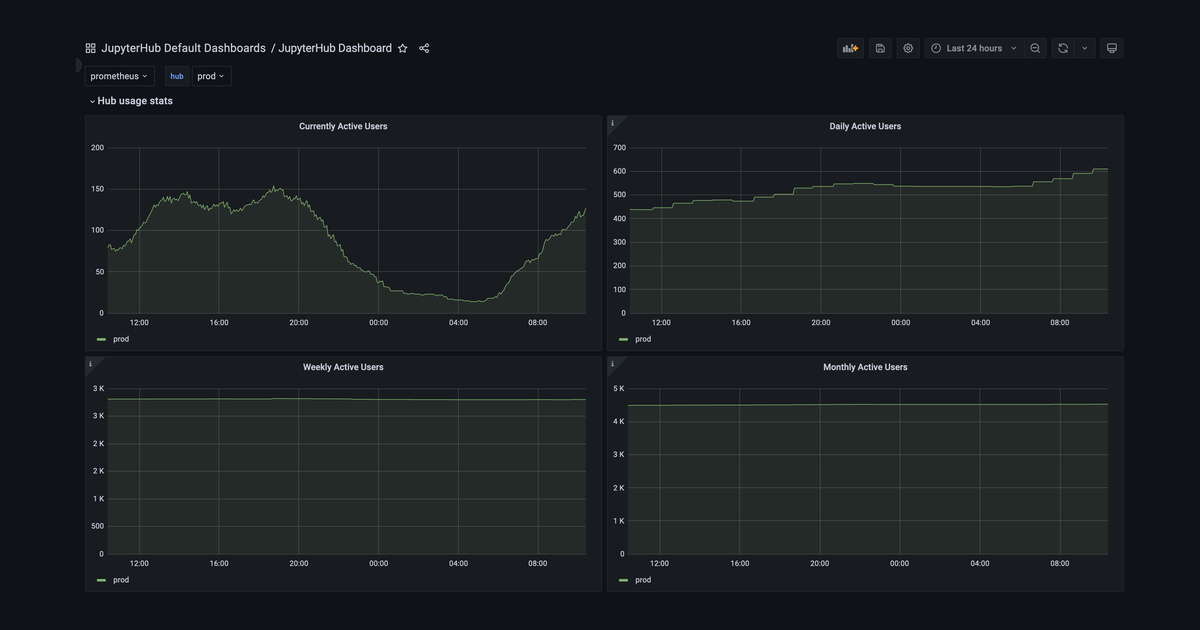
Being able to say ‘we served X unique users over the last month’ (the Monthly Active User metric) is very helpful when advocating for resources for a JupyterHub your organization is running.
The JupyterHub team are refactoring our monthly meeting into a collaborative, co-working space that is more accessible and inclusive to those who are just getting started in the community — an Online Collaboration Café!
As part of the community strategic support project funded by CZI’s EOSS grant series, the JupyterHub sub-project has funding to support Outreachy interns through four cohorts over the next two years. We would like to introduce you to the first cohort and the projects they will be working on!
Many JupyterHub users want to push and pull their content from GitHub in order to collaborate and share their work.
Hubs and roles and scopes, oh my!
The Littlest JupyterHub is an extremely capable hub distribution that I’d recommend for situations where you expect, on average, under 100 active users.
Last year we ran the first iteration of the JupyterHub Contributor in Residence role. This post is a short report about what we learned, in the hopes that it guides other projects in pursuing similar programs.
Jupyter has been a great choice for education for many years. The Jupyter Notebook has become one of the most popular tools to conduct workshops, tutorials, and teach online classes.
The JupyterHub and Binder Contributor in Residence. The first keepalive message.
This is the first of a series of posts describing tools in the JupyterHub ecosystem, written by our wonderful Contributor in Residence, Georgiana. For our first post, we’ll share some lore of JupyterHub, and tell you a story of how it all began…
2019 was a busy year for the Binder and JupyterHub projects — each saw growth in both their community and technology. Now that the year has wrapped up, it is a good time to reflect on some of the highlights from the year.
Visual Studio Code has pretty good support for running Jupyter Notebooks. But what if your organization has a JupyterHub running remotely, with more compute resources & access to large amounts of data? How can you access that from Visual Studio Code running on your local machine?